Most UK households throw away more food than they realise. This guide shows exactly how Juna is designed to reduce that waste, using the real features inside the app.
Step 1 – Tell Juna who you're cooking for
When setting up, choose how many adults/children you cook for so Juna can suggest sensible portion sizes. You can see this setup flow in our quick demo.
Step 2 – Choose your categories with waste in mind
- Family favourites: things you know everyone eats, so leftovers get used.
- 20-minute dinners: avoids takeaways on tired nights.
- High protein: keeps health goals on track so food isn't abandoned.

Step 3 – Let Juna build your grouped shopping list
Juna combines ingredients from all recipes and groups them by supermarket aisle. This lets you remove items you already have and avoid buying duplicate spices or grains.

Step 4 – Cook with leftovers in mind
Many Juna recipes reheat well for lunches or use traybakes that are easy to portion. Inside the app, you will often see notes like “great for lunch the next day” to help avoid separate lunch prep.
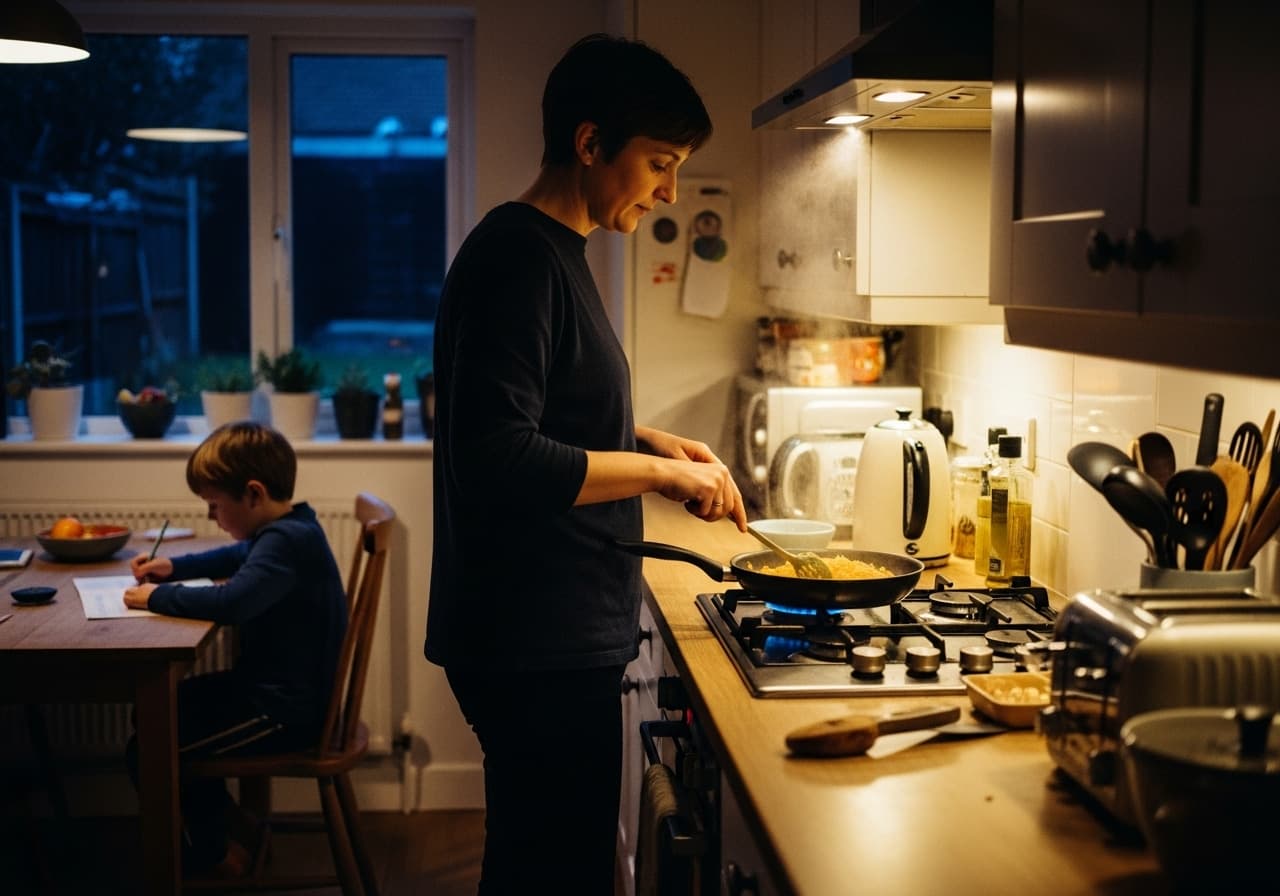
Step 5 – Build a weekly “use-up” habit
Keep one flexible night for using up odds and ends. For more budgeting ideas alongside waste reduction, read our guide to budget UK supermarket shopping.
Try Juna and see your food waste drop
Join Juna for FREE for your first week, then £4.99 per month. Cancel anytime.